
What watch is this — and what's it worth?
Point your camera at any watch. Get the brand, the model and the reference number, plus an estimated resale range, in seconds. And when the photo can't settle it, the app tells you that instead of guessing.
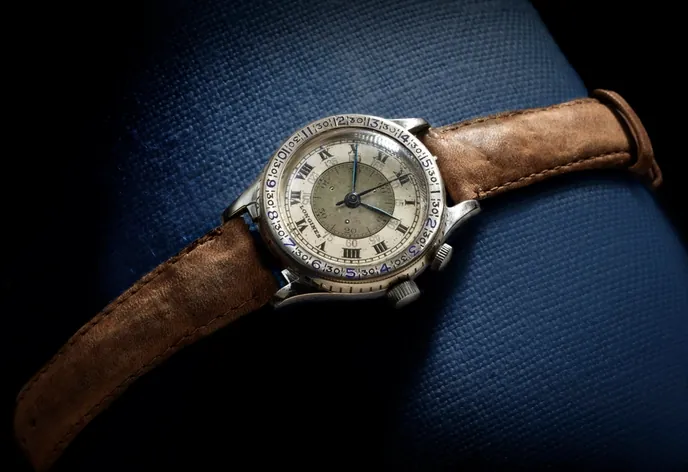 Sample result
Most watch scanners are certain about everything. That's the problem.
Feed a blurry dial to most watch identifier apps and you still get a brand, a model and a price, delivered with total confidence. You have no way to tell a good answer from a guess. Loupe grades its own work, shows you the runners‑up it considered, and tells you which photo would actually settle it.
 Same photo
Same answer, same certainty, whether the photo was perfect or unusable. The category advertises expert‑level detail and, in several cases, fake‑detection it cannot possibly deliver.
Same photo
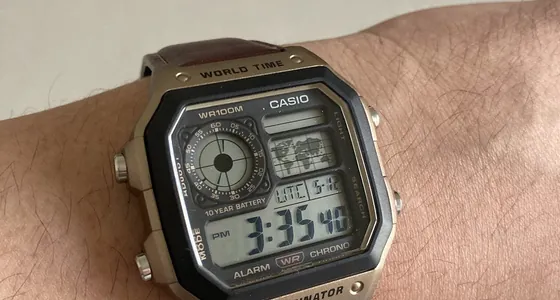
Recreated from the app's real low‑confidence screen. When the model is unsure, any estimate is shown wide and flagged as uncertain, or not at all when it can't make out a watch. (The watch really is a Casio. It's the first alternative.)
The dial, case and bezel all agree. Brand and model are named outright.
The family is clear, the exact variant isn't. You're told which is which.
A best guess, the alternatives, and the one photo that would settle it.
Three steps, start to finish.
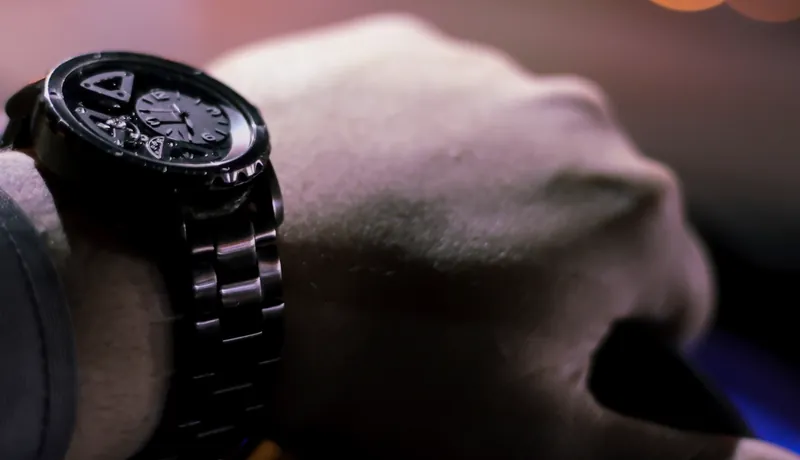
Point and shoot
Use the camera, or pick a photo you already have: a marketplace listing, a shot through a shop window. Fill the frame with the watch.
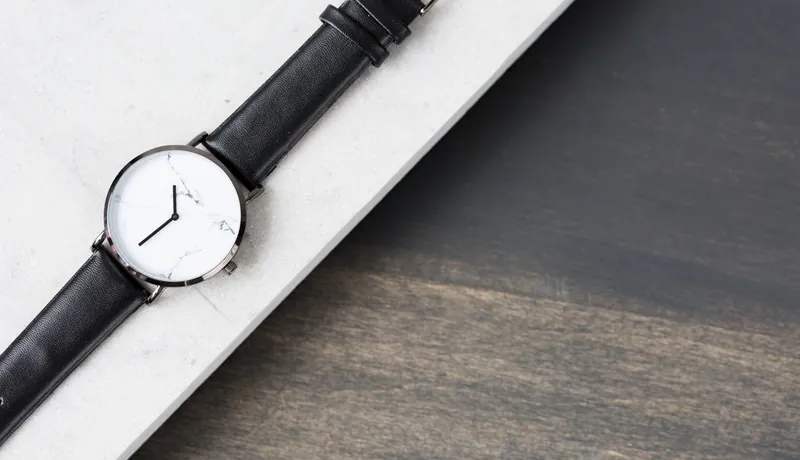
Read the answer — and the confidence
Brand, model and reference where it's readable, an estimated resale range, and a confidence badge that never gets hidden.
Keep it, or scan the next one
Save it to a collection that lives on your phone, with your own note about box, papers and service history. Or just move on.
A range you can act on, labeled for what it is.
Every identification comes with an estimated resale range in USD for that model. It's there so you know roughly what you're looking at before you buy, sell or insure. That is a genuinely different job from an appraisal, and we label it that way on every screen it appears on, because the difference matters when money does.
What it will never do
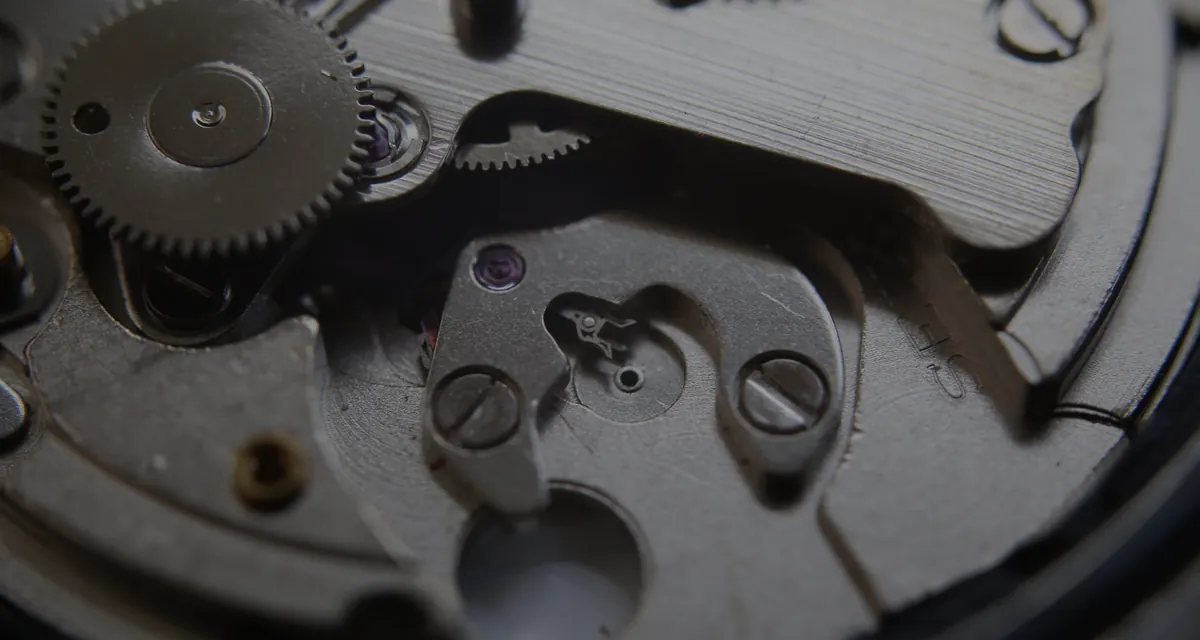
Tell you whether a watch is genuine. Authentication needs a human with the watch in their hands, a loupe, and the movement open. Any app that promises to spot a fake from a phone photo is selling you a confidence it does not have — and if you're about to spend real money, that's the most expensive kind of wrong.
 Estimated resale range · Seiko 7S26 automatic
$220 – $380
Estimated resale range · Seiko 7S26 automatic
$220 – $380
Estimated resale range. This is not an appraisal.
Sanity‑check a listing before you message the seller.
Check the watch value first, then price it in the right neighborhood instead of guessing.
Know whether a piece is worth scheduling, then get it appraised properly.
Find out what the watch in the drawer actually is.
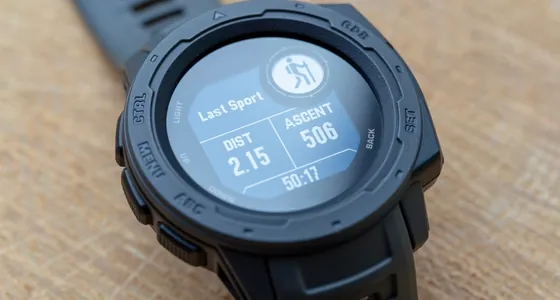
Your collection never leaves your phone.
Saved watches, photos and notes live in storage on your device. There's no account, no sync and no server holding your collection. Nothing about your watches leaves your phone except the photo you choose to identify, sent over an encrypted connection and not stored by us.
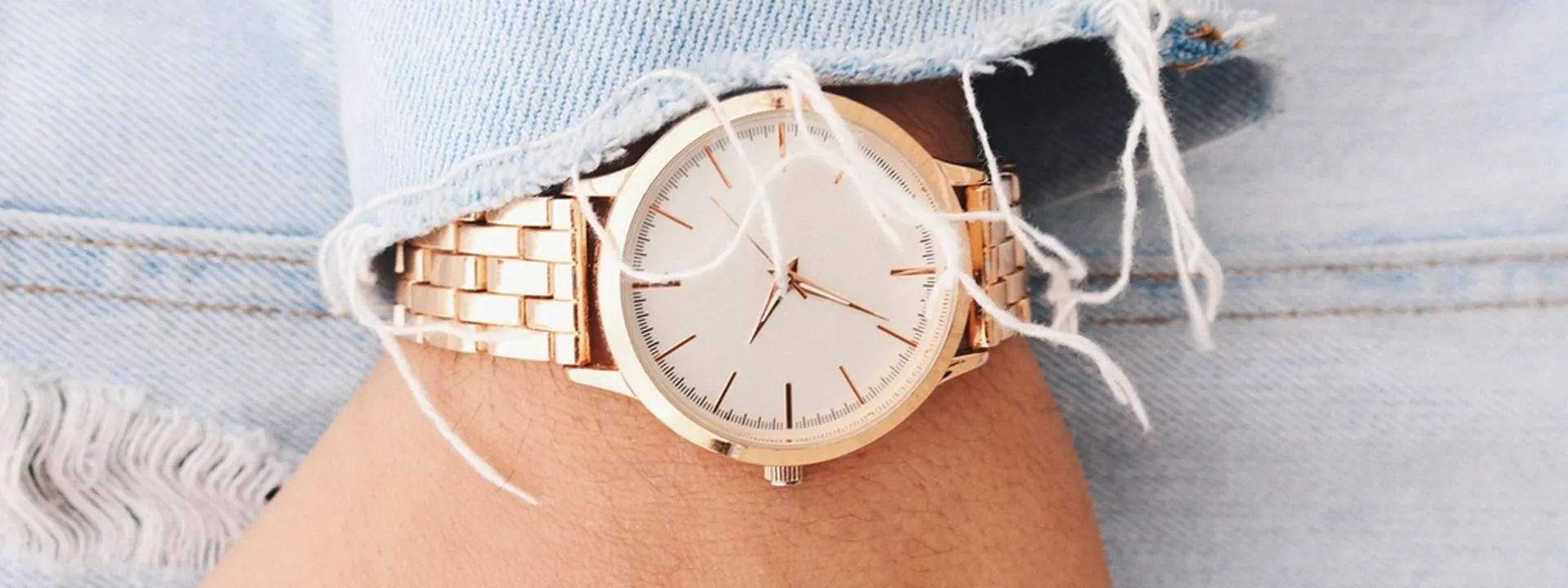
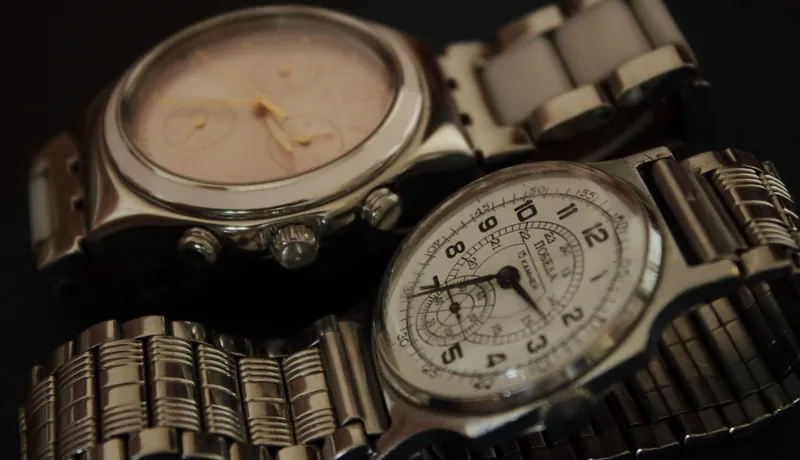
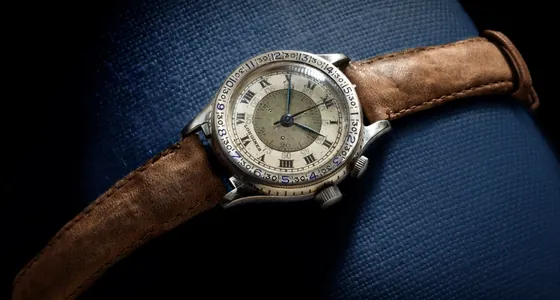
Most watches in most drawers aren't Swiss. It works on those too.
Try it free. Then it's your call.
Try it on a watch you already know the answer to, before you decide whether to trust it on one you don't.
- Full results — brand, model, reference
- Confidence badge and alternatives
- Estimated resale range
- Save to your on‑device collection
- Unlimited identifications
- Unlimited collection, with your notes
- No ads — there were never any
- Every future improvement included
Billed through Google Play, and canceled there in two taps. Never through us, never through a different app store, never by emailing anybody.
How accurate is it, really?
Brand is usually straightforward. Model is often right. Reference numbers are genuinely hard to read off a dial photo, which is precisely why there is a confidence badge instead of a marketing number. A photo of the caseback is the single best thing you can do to improve a result.
Will it tell me if a watch is fake?
No. Not now, not later. Identification and authentication are different problems, and the second one cannot be solved from a phone photo by anyone. If a watch matters enough to authenticate, it matters enough to take to a watchmaker.
Does it only work on expensive watches?
No. Seikos, Casios, microbrands, smartwatches and no‑name pieces all come back with a real answer, including "this is an unbranded watch" when that happens to be the truth. It's built for those as much as for anything Swiss.
What happens to my photo?
It's sent over an encrypted connection to our relay and on to the AI model that identifies it. We don't store it, and it isn't tied to an account, because there is no account. Anything you save to your collection is written to your phone, not to us. The details are in the privacy policy.
How do I cancel?
Google Play → Subscriptions → Loupe → Cancel. The same two taps as every other Android subscription. There is no other place to do it, and nobody to ask permission from.
Find out what's actually on your wrist.
Free trial. No account, no ads, and an app that tells you when it isn't sure.
Get it on Google Play